
Why Video Editors in India Need a Ready-to-Use Asset Library
In modern content creation, speed is everything. Client deadlines are tighter than ever, and algorithm demands require creators to publish multiple high-retention reels, shorts, and long-form videos every week.
Building every transition from scratch, hunting for royalty-free sound effects across dozens of sketchy websites, and manually color grading footage from different camera sensors takes hours. A professional asset bundle gives you an unfair advantage—letting you drag, drop, and export polished videos in minutes.
Software Compatibility & Format Matrix
| Software / NLE | LUTs (.CUBE) | Transitions | Sound FX (.WAV) |
|---|---|---|---|
| Adobe Premiere Pro | ✓ Full Native Support | ✓ Presets & MOGRT | ✓ 24-bit WAV |
| DaVinci Resolve (18 & 19) | ✓ 33 & 65-point 3D LUTs | ✓ PowerGrade & Overlays | ✓ Fairlight Ready |
| Final Cut Pro X | ✓ Custom LUT Effect | ✓ Alpha Blending Video | ✓ High-res WAV |
| CapCut Desktop & VN | ✓ One-Click Import | ✓ Overlay Blending | ✓ Drag & Drop |
What's Included in a Professional Video Editing Pack?
1. Cinematic 3D LUTs (.CUBE)
Color grading is the difference between amateur smartphone clips and cinematic Hollywood visuals. Professional LUTs are calibrated for standard Log profiles (Sony S-Log3, Canon C-Log, iPhone ProRes, DJI D-Log) as well as standard Rec.709 footage. Whether you need moody teal-and-orange, warm golden hour tones, or vintage retro film simulation, one click transforms your clip.
2. Seamless Dynamic Transitions
Keep your viewers hooked with modern transitions:
- Camera Whip & Pan Zooms: Maintain high pacing between dynamic action shots.
- Film Burn & Light Leaks: Add nostalgic warmth and organic texture to lifestyle vlogs.
- Digital Glitch & VHS Distortions: Perfect for tech reviews, gaming, and urban edits.
- Smooth Slide & Push Transitions: Clean, corporate transitions for agency explainers.
3. Cinematic Sound FX (SFX) Library
Audio is 50% of the video experience. Without whooshes, deep sub bass drops, atmospheric risers, camera shutter clicks, and paper crinkles, even the best motion graphics feel flat and lifeless. A comprehensive sound library is categorized by emotion and action so you never have to search for hours.
4. Motion Graphics & Lower Thirds
Engage your audience with animated call-to-actions, subscribe buttons, lower third text bars, progress indicators, and split-screen templates ready for Premiere Pro (.MOGRT) and After Effects.
How to Install and Use in Premiere Pro & DaVinci Resolve
- LUTs: Copy the .CUBE files into your Lumetri Color Creative LUTs folder in Adobe Premiere Pro or DaVinci Resolve's LUT directory. Select the LUT from the dropdown menu to apply instant grade.
- SFX: Import the sound library directly into your project bin. Drag whooshes right beneath your cut points.
- Transitions: Drag the adjustment layer preset directly above your two video clips on the timeline.
Recommended Editing Bundles on Grabnext
Stop wasting precious creative energy recreating the wheel. We recommend checking out:
- Video Editing Assets Mega Bundle – 1,000+ LUTs, 500+ Transitions & 2,500+ Sound FX.
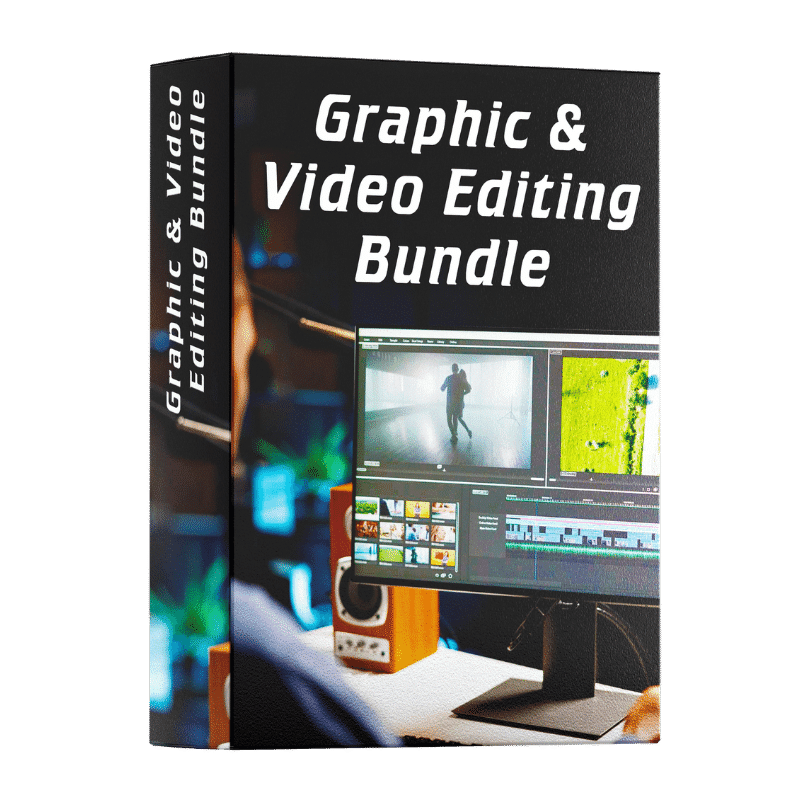
- Graphic & Video Editing All-in-One Pack – Complete bundle for Adobe Premiere, After Effects, and Photoshop.
- 150,000+ Lightroom Presets – Color profiles for photo editing and thumbnail creation.